A NEW IDEA
From sketch to 3D.
Develop housings, brackets, fixtures and product concepts from sketches, photographs and key dimensions.
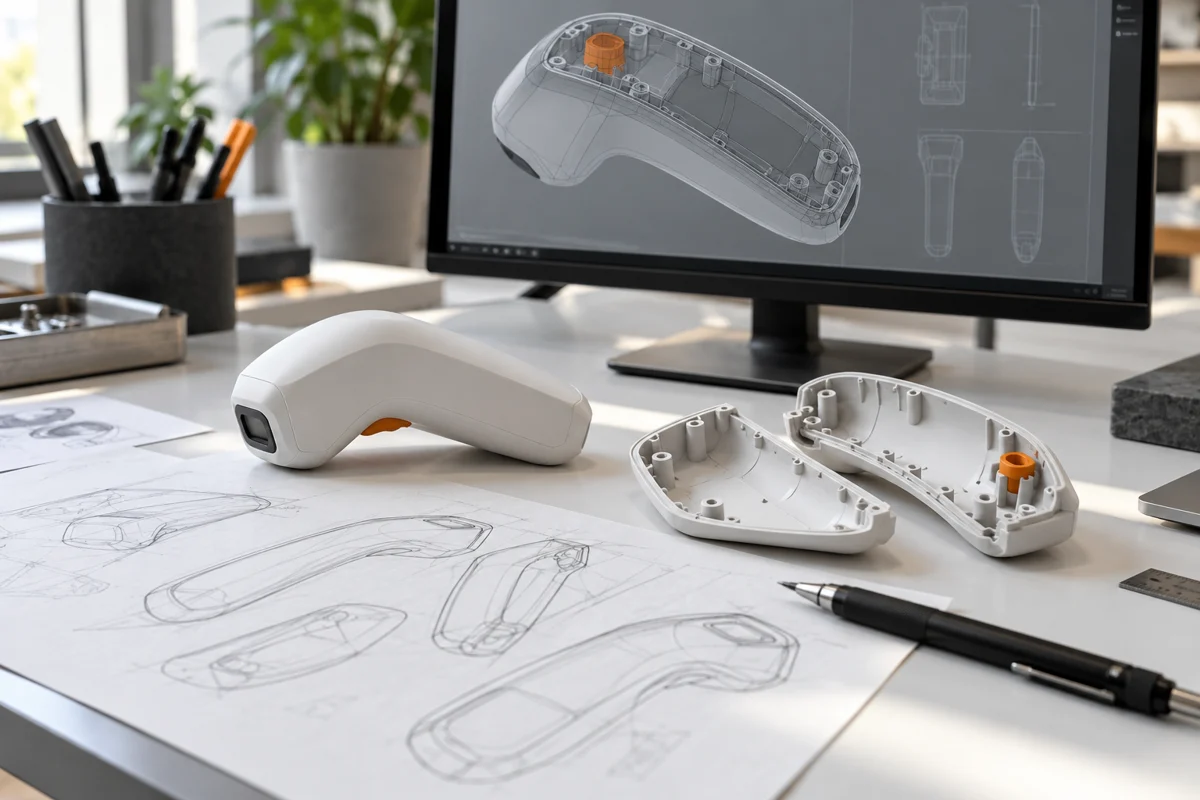
Turn a sketch, an existing part or an idea into a 3D model. Work through the details, review the design and get ready for your first print.
You don’t need to know CAD. Tell us what the part should do, how it will be used and what you’ve worked out so far.
Develop housings, brackets, fixtures and product concepts from sketches, photographs and key dimensions.
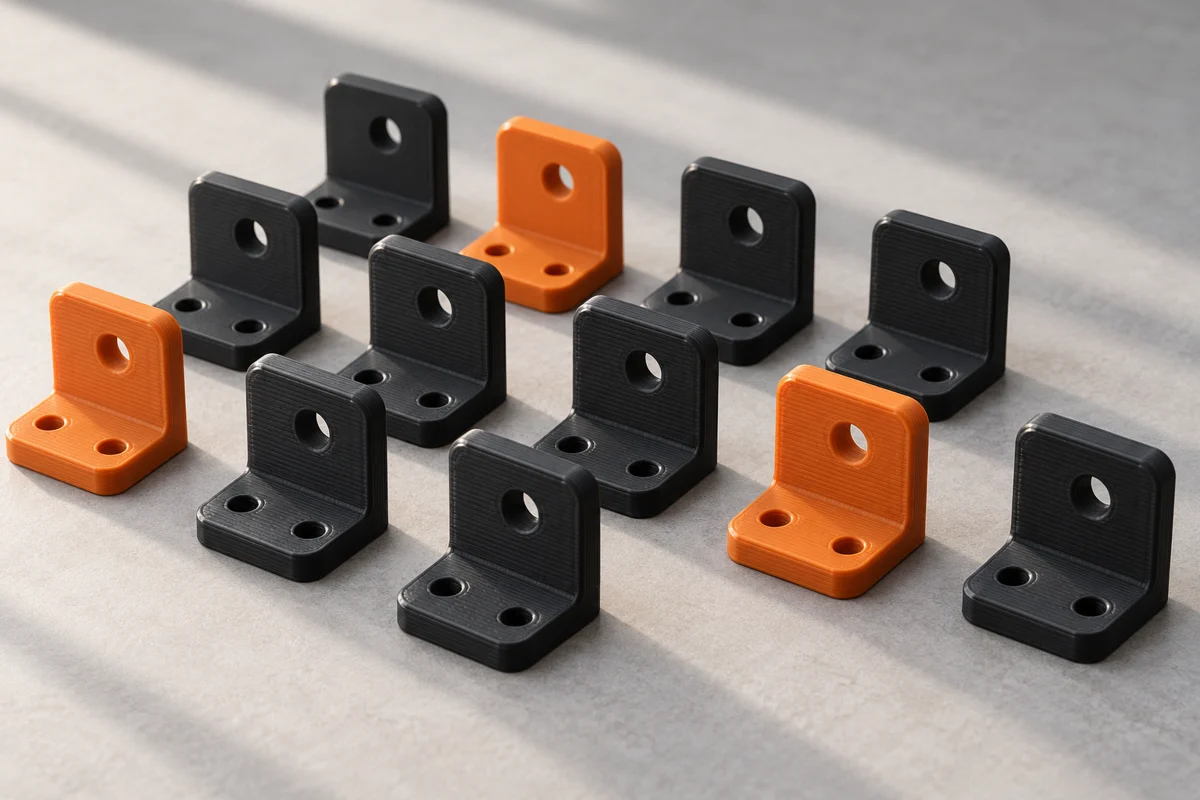
Explore a digital replacement for a broken or discontinued part. Photos, measurements and the original part help establish the geometry.
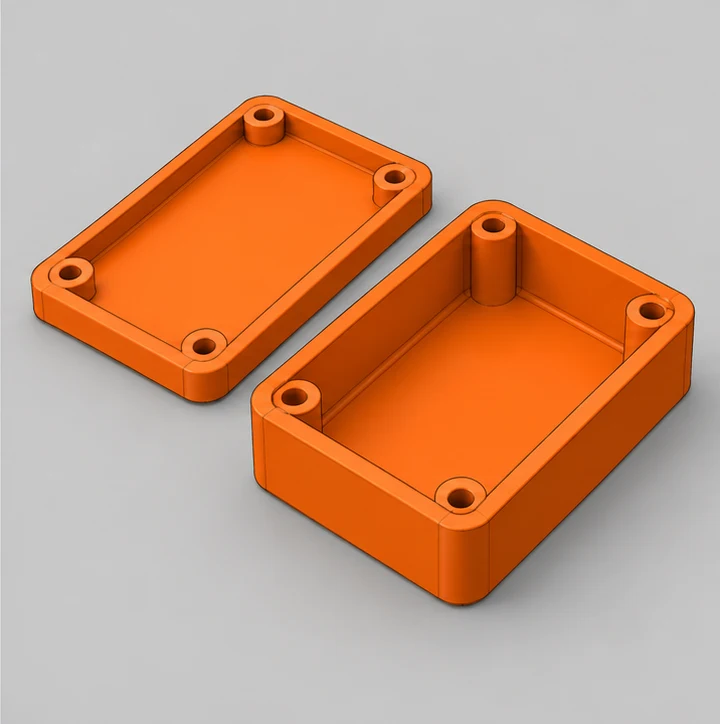
Review wall thickness, fit, clearances and assembly. Refine the model around its intended use and the printing process.
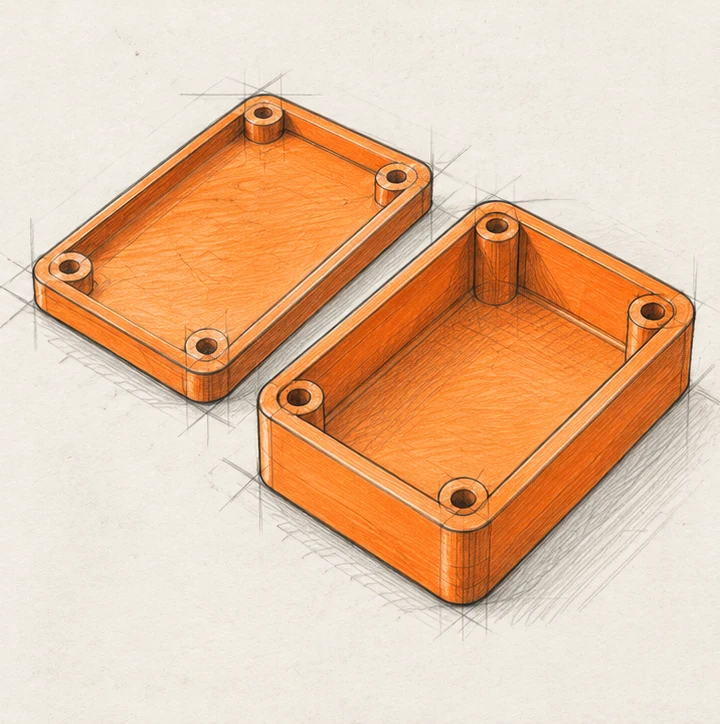
See how the same enclosure develops from a rough concept into CAD geometry and a tangible printed part.
Capture the shape, purpose and important features.
Develop dimensions, wall thickness and assembly details.
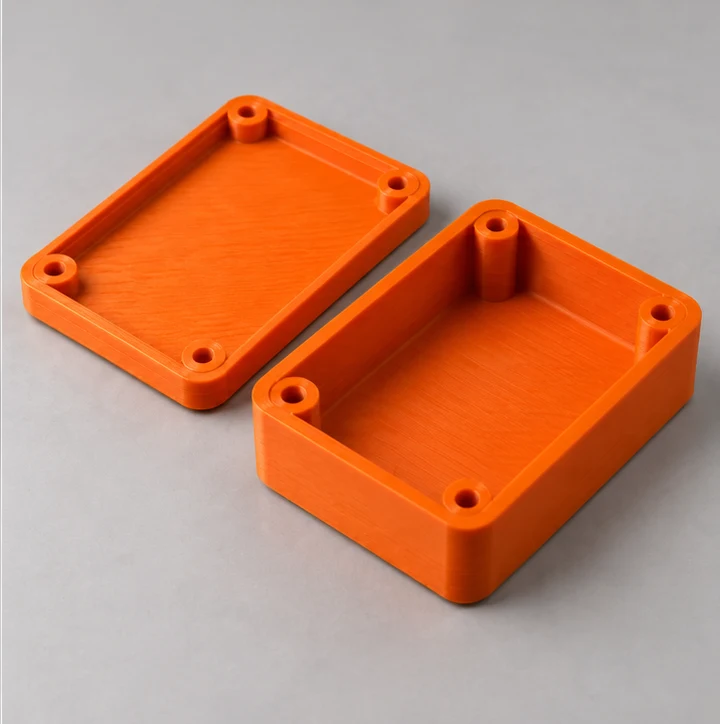
Check the physical result and identify the next refinement.
Illustrative design progression. Every project has its own requirements and review stages.
Design work is scoped separately from printing. Once the model is ready, the printing requirements can be reviewed and quoted against the agreed geometry, material and quantity.
A clear brief helps us focus the design work on what your part actually needs to do.
Send sketches, photos, dimensions or existing CAD files. Explain how the part is used and which features matter most.
Review the requirements, proposed deliverables and estimated design effort before work begins.
Check the form, dimensions and assembly details. Discuss changes against the agreed scope.
Agree the next step: prepare files, quote a print or identify any further testing and refinement required.
Share what you know. We can work through the gaps together.
Clear photographs, a simple sketch or an existing model are useful starting points.
Overall size, mounting positions and mating parts help define the design.
Tell us about handling, load, heat, moisture or outdoor exposure.
A display model, fit check and functional test may need different approaches.
Yes. A rough sketch can communicate the idea, especially with photographs and key dimensions. The design scope will depend on how much development is needed.
Yes, subject to a review of the file and your requirements. STEP files are useful for solid geometry; STL and 3MF files may require a different editing approach. Include the source file if you have it.
Design is scoped first. Printing is quoted once the geometry and printing requirements are sufficiently defined. Revisions or a change in scope may affect either estimate.
File formats and deliverables are agreed in the design scope. Depending on the project, these may include STEP geometry and a print-ready STL or 3MF file.
Timing depends on the complexity, the information available and the number of review stages. We’ll discuss a schedule when the design work is scoped.
A print can help assess shape, fit and selected functions. Strength, durability, safety and suitability for manufacture may need further engineering, different materials and testing.
Start with what you have. Prepare a brief that explains the part, the problem and what you want to achieve.